 Winmail Reader
For iPhone & iPad · iOS 17+
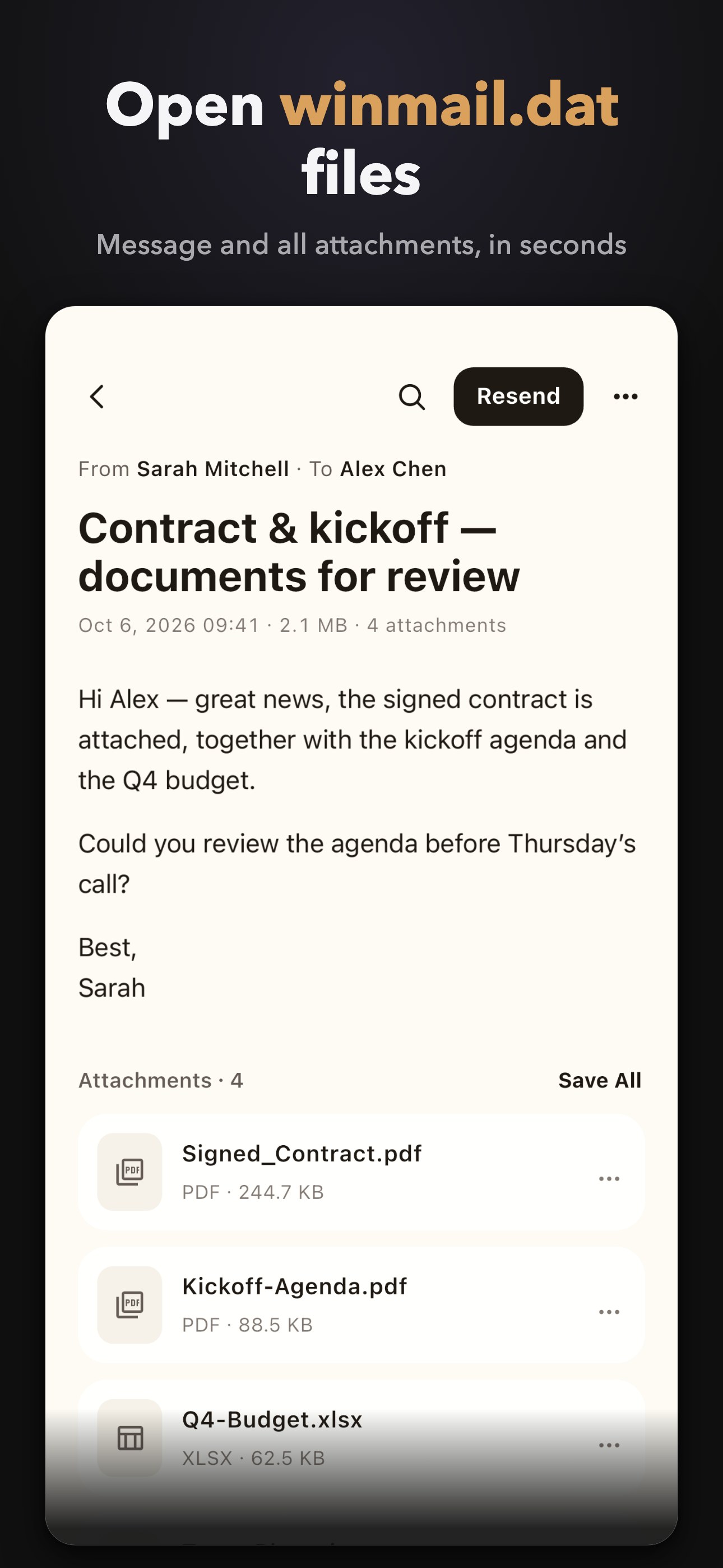
Open winmail.dat
on your iPhone.
Winmail Reader opens winmail.dat (TNEF), MSG, OFT, EML, MHT, XPS, MBOX, PST, OST and OLM files on iPhone and iPad — decoded entirely on your device. No account. No uploads. Free to read, one-time purchase to unlock exports.
Formats
Every legacy email format. One app.
From a single mystery file to a whole mailbox backup — if it carries mail, it opens here, right on your device.
Screenshots
See it in action.
Real screens from the app — nothing staged.
Features
Read free. Unlock the exit doors once.
Reading costs nothing. When you need to get your data out, one purchase opens every exit door.
Free
Included with the download.
- Read every format in full
- Browse archive trees with previews
- XPS reader
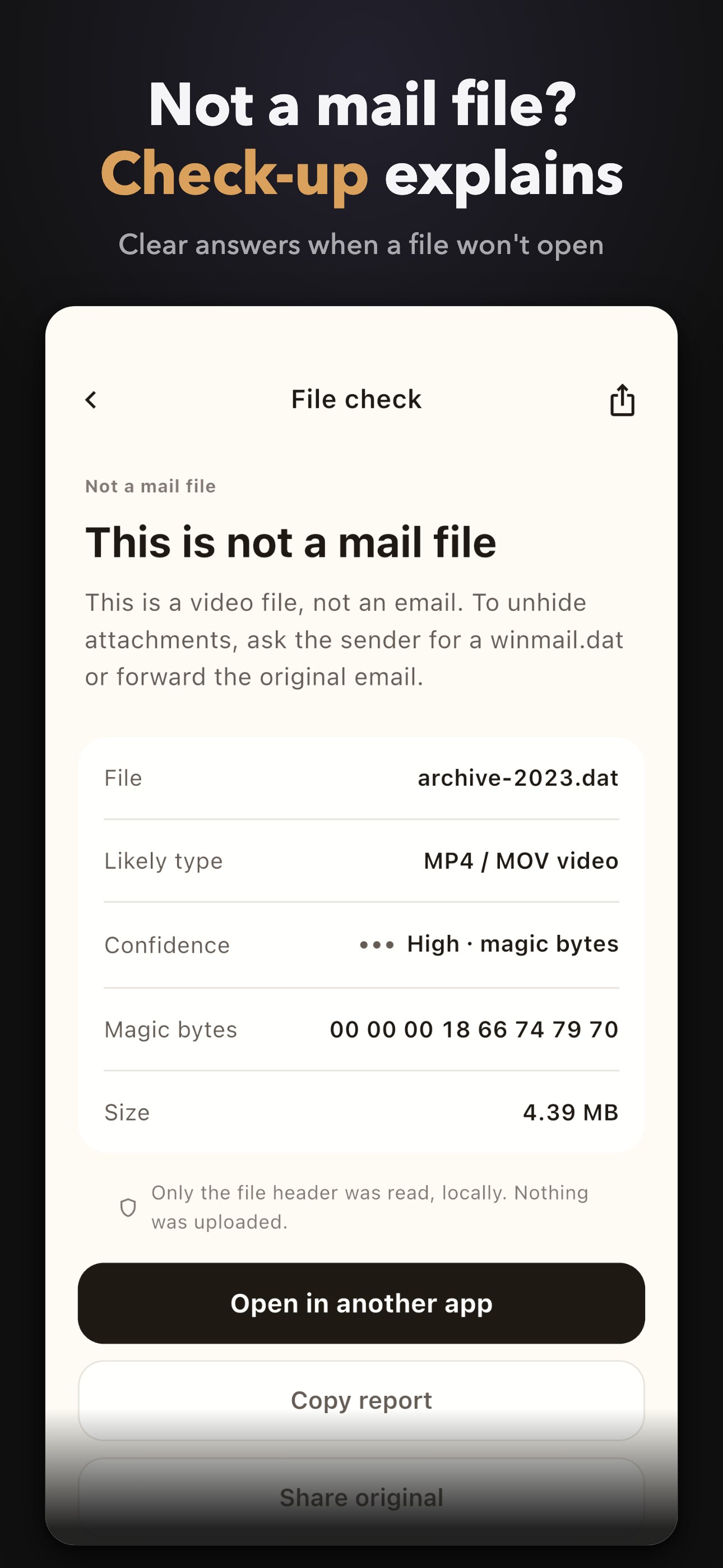
- Health-check any mystery file
Pro
Everything, unlocked once.
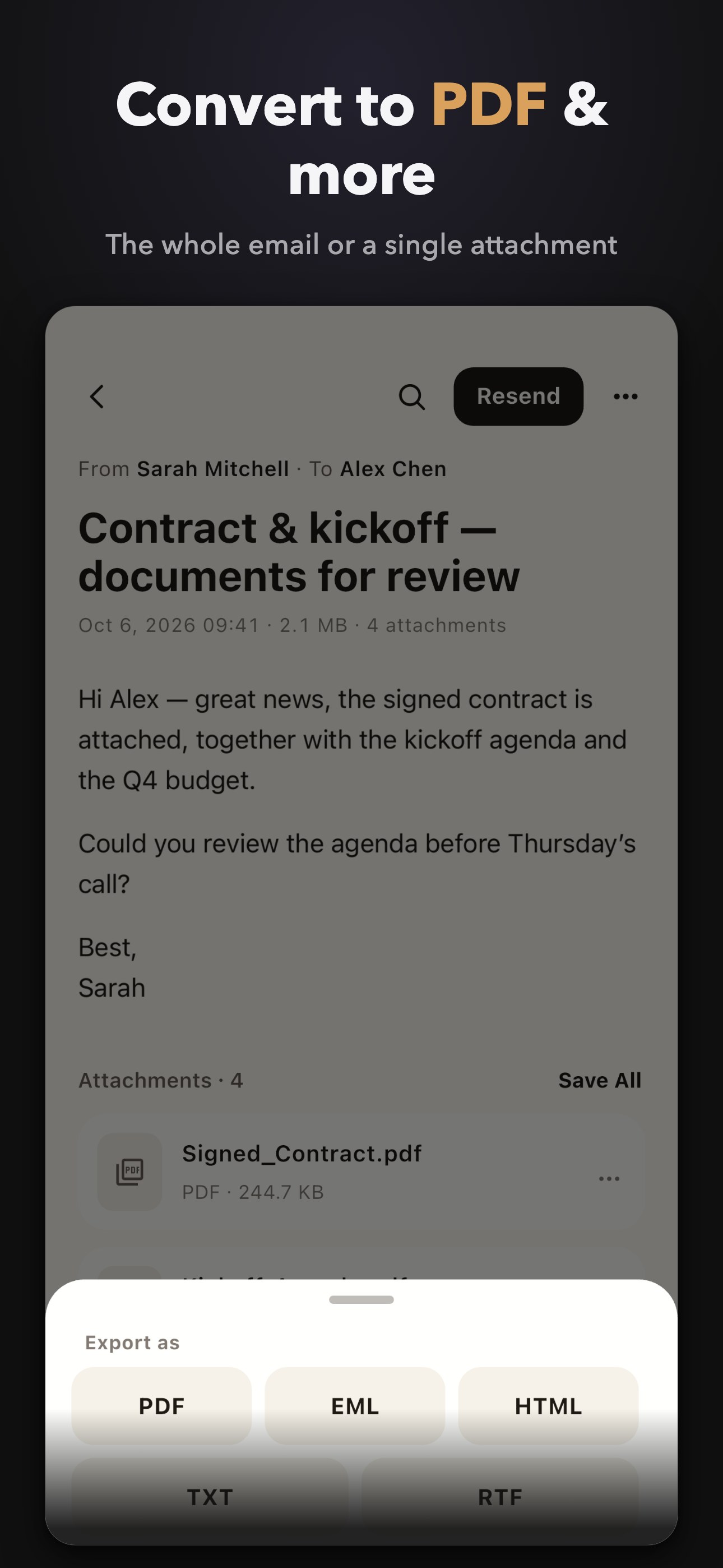
- Export to PDF, EML, HTML, TXT
- Convert XPS to PDF
- Extract & save all attachments
- Search inside mail
- Browse full archives
One-time purchase. No subscription.

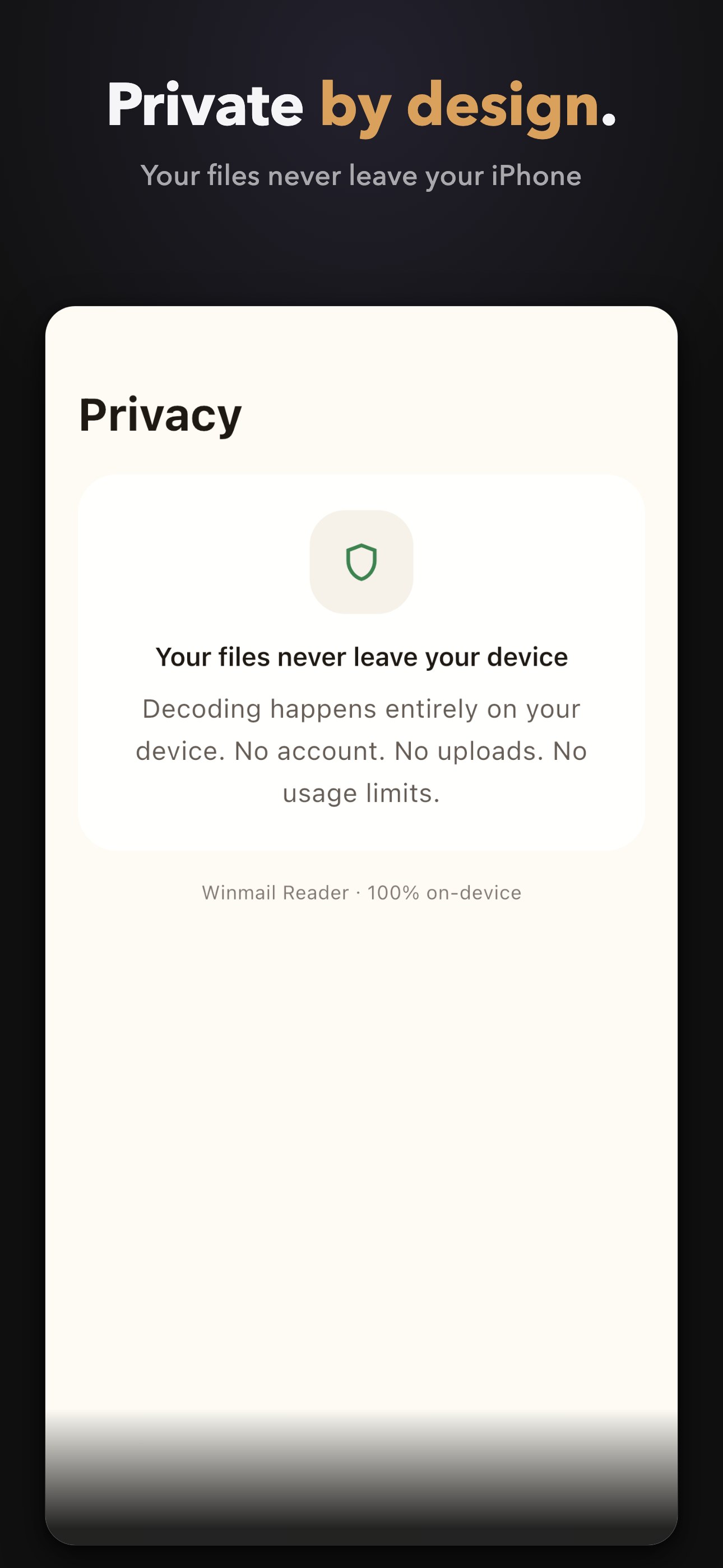
Privacy
Private by design.
- Your files never leave your device.
- No account. No uploads.
- Your originals are never modified.
Decoding happens entirely on your iPhone or iPad. There is no server holding your files and no upload step — your originals are opened read-only, always.
FAQ
Frequently asked questions.
What is a winmail.dat file?
When Outlook sends a message in TNEF format, it packs the body, attachments and calendar invites into a single winmail.dat file. Other mail clients see only that one unopenable file. Winmail Reader unwraps the package and gives you back the message text, the attachments and the calendar invitation.
How do I open winmail.dat on iPhone or iPad?
In Mail or Files, tap Share (or Open In) and choose Winmail Reader, or send the file over from another app's share sheet. Decoding happens instantly on your device.
Which formats can it open?
winmail.dat (TNEF), MSG, OFT, EML, MHT/MHTML, XPS, OXPS, MBOX, PST, OST and OLM — eleven legacy email and document formats in one app.
Is Winmail Reader free?
Yes. The free download reads every format in full, shows attachment lists and previews archives. Exporting and converting (PDF, EML, HTML, TXT), extracting attachments, search inside mail and full archive browsing are part of Pro — unlocked with a single one-time purchase. No subscription, no quotas. The paywall lives inside the app.
Do you upload my files?
No. Decoding is 100% on-device: no account, no uploads. Your original file is opened read-only, and decoded copies stay inside the app's sandbox where you can delete them at any time.
Can I convert an email to PDF?
Yes — with Pro. You can convert an entire email to PDF, turn XPS documents into PDF, and export messages as EML, HTML or plain text.
Does it open Gmail Takeout (MBOX) or Outlook (PST) archives?
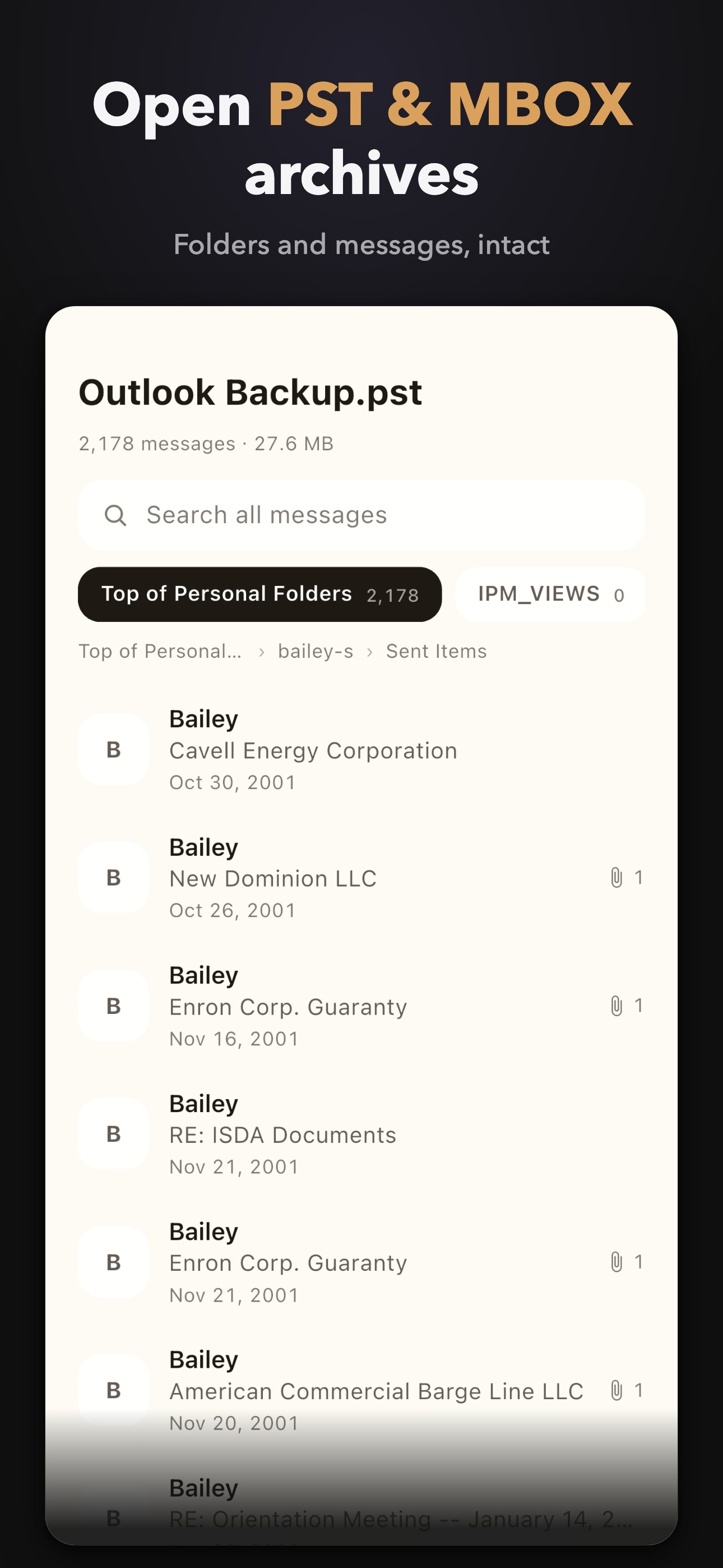
Yes. You can browse the folder tree and preview the newest message in each folder for free. Full archive browsing and search inside mail are part of Pro. OST stores are supported for browsing as well.
I already bought Pro — how do I restore it?
Open Settings in the app and tap Restore Purchases with the Apple ID you used for the purchase. Family Sharing is supported where available on the App Store.
A file still won't open — now what?
Run the built-in health check: it explains what the file really is, how confident it is (magic bytes included), and what to do next. If you are still stuck, email w4n9we1@gmail.com.
Every format, explained.
winmail.dat and TNEF
Winmail.dat appears when someone sends mail from Microsoft Outlook with rich formatting switched on: Outlook packs the message body, attachments and calendar invitations into a single TNEF wrapper (Transport-Neutral Encapsulation Format), and every other client — including Apple's Mail — sees an opaque dat file it cannot open. If Outlook mail won't open on iPhone, a TNEF wrapper is the most common reason. Winmail Reader unpacks that wrapper on your device and hands you back the real text, the attachments and the calendar invite inside.
Single message files: MSG, OFT, EML and MHT
An MSG file is a message saved from Outlook on Windows; an OFT is an Outlook template; an EML is what you get when a message is exported from Gmail, Windows Live Mail, Thunderbird or Apple Mail; MHT (also written MHTML) is a web-archive snapshot of an email or page. Winmail Reader opens each one on iPhone and iPad, shows the headers and the attachment list, lets you extract and save attachments, or convert to PDF — and export the same message as EML, HTML or plain text.
Mailbox archives: MBOX, PST, OST and OLM
Mailboxes travel as archives too. Gmail Takeout hands you MBOX files; an Outlook export on Windows produces PST data files (and OST offline stores); Outlook for Mac produces OLM archives. Winmail Reader browses these mailbox backups as a folder tree and previews the newest message in every folder for free — and with Pro you can search inside email across the whole archive, so an old mailbox backup becomes something you can actually use.