
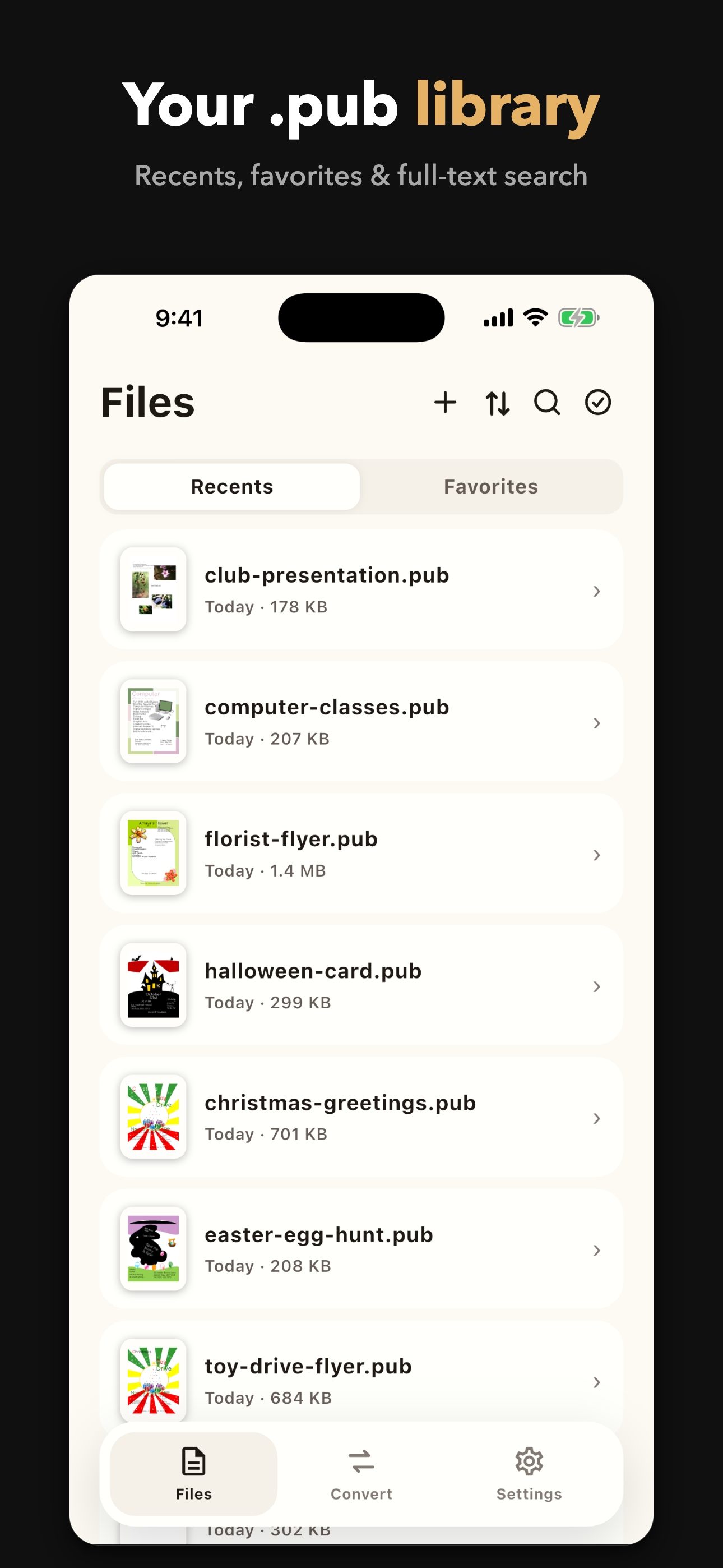
Your .pub library
Every file you’ve opened, ready to reopen. Search by name, sort, mark favorites.
For Microsoft Publisher files
Publisher File Viewer opens Microsoft Publisher .pub files on iPhone and iPad — no Windows PC required. Original layout preserved. Your files never leave your device.
Download on the App StoreMicrosoft ended support for Publisher on October 1, 2026. Millions of .pub files — newsletters, flyers, brochures, school papers — are still out there. They still open. Just not in Publisher.
Mail, AirDrop, or anything the Files app reaches (iCloud, Google Drive, SMB).
Text frames, images, tables, colors and page numbers appear where the author put them.
Export to PDF, Word (.docx), RTF, plain text, or turn any page into a PNG/JPEG image.
Every file you’ve opened, ready to reopen. Search by name, sort, mark favorites.
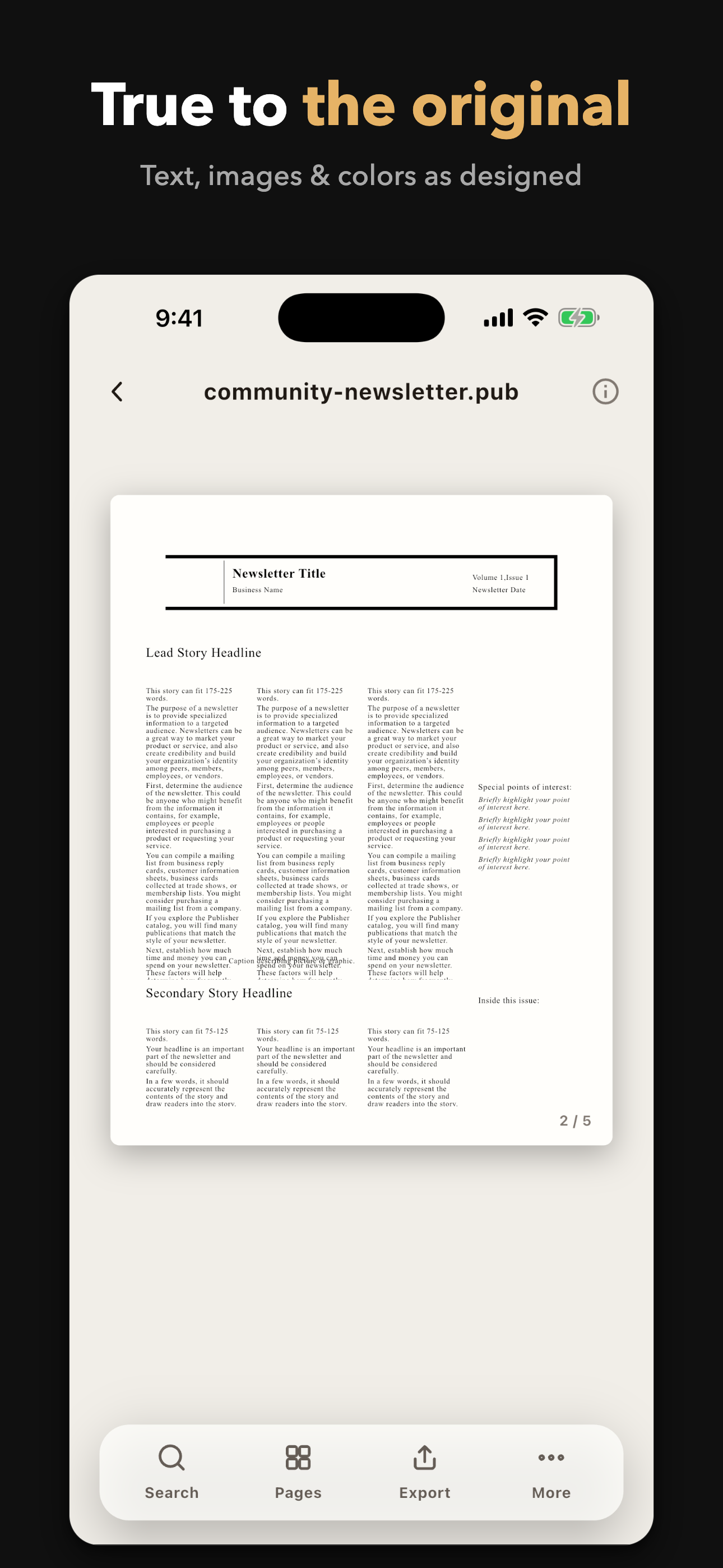
A layout-faithful reader built on the same engine LibreOffice uses for Publisher files.
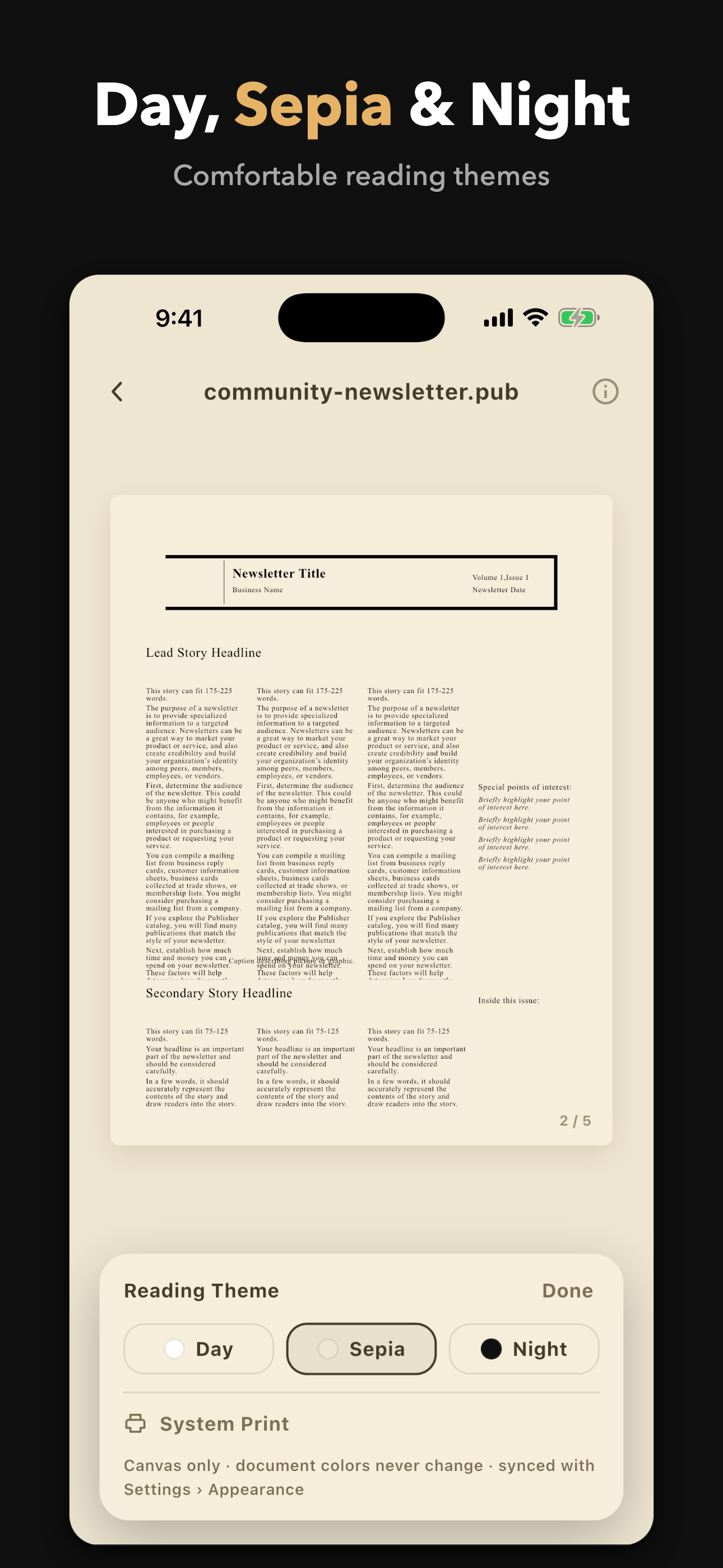
Day, Sepia and Night reading themes. Your document’s colors stay untouched.
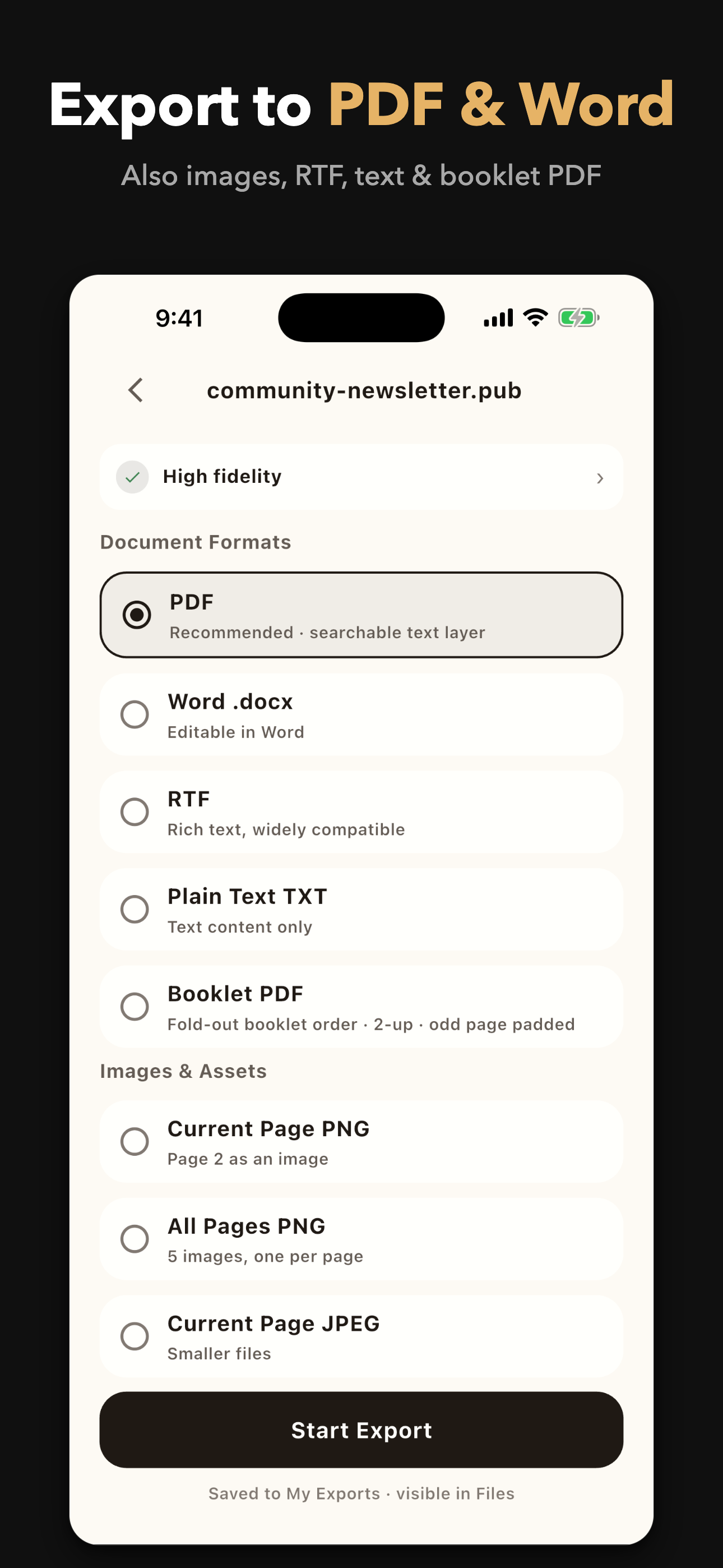
PDF with selectable text, Word, RTF, images, folded booklet PDF — or convert many files in one run.
Export and printing unlock with a single one-time purchase — pay once, keep it forever. An optional monthly subscription is also available.
Your original files are never modified.
Everything happens on your iPhone or iPad. No account, no sign-in.
If the app crashes, we see the technical trace, not your document.
Yes. Parsing and rendering happen entirely on your device.
Yes — open it and export as PDF. The text stays selectable and searchable.
You get a clear explanation — password-protected, damaged or unsupported version — plus a diagnostic report. Never a blank screen, never a crash.
Viewing is free. Export and printing unlock with a single one-time purchase (an optional monthly subscription is also available).