 Database Viewer
Health check first.
Every file gets a check-up before it opens — what format it really is, whether it's readable, which encoding it uses, and exactly where the damaged regions are. No silent failures.
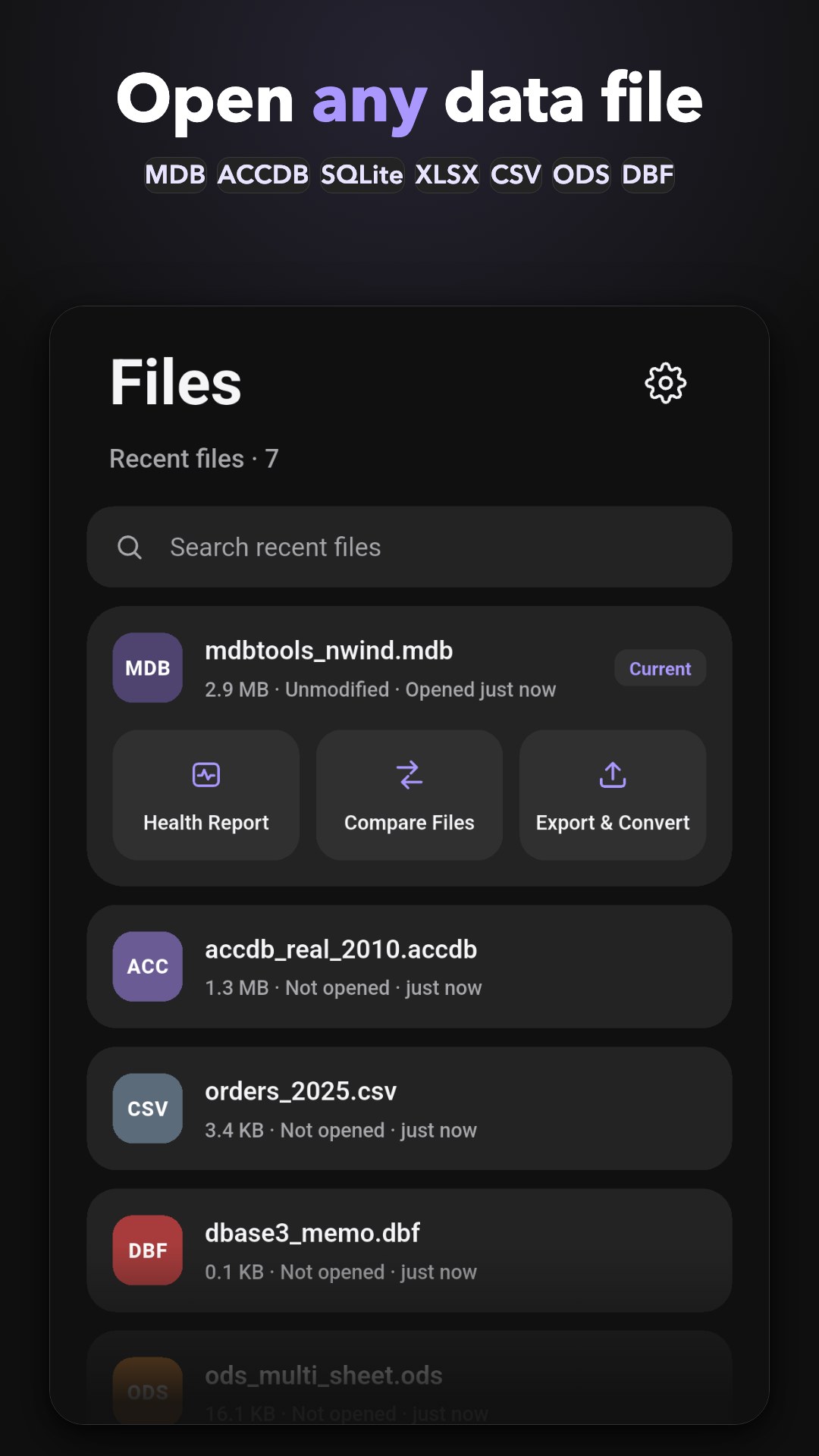
Database Viewer opens MDB, ACCDB, SQLite, XLSX, DBF and CSV files on your phone with a native engine that runs entirely on-device — your data never touches a server.
Your files never leave your device. No account, no tracking, no ads.
Read the privacy policy →From Access databases to spreadsheets, dBase files and raw text data — one app opens them all, right on your phone.
Health checks, huge files, deep search and safe edits — the unglamorous parts, done properly.
Every file gets a check-up before it opens — what format it really is, whether it's readable, which encoding it uses, and exactly where the damaged regions are. No silent failures.
A native C engine keeps million-row tables and files of 1.5 GB and more scrolling smoothly — real databases, not toys.
One search sweeps every table in the file and lands you right on the hit — no more clicking through tables one by one.
Edits happen on a private copy inside the app. Your original file is opened read-only and is never modified.
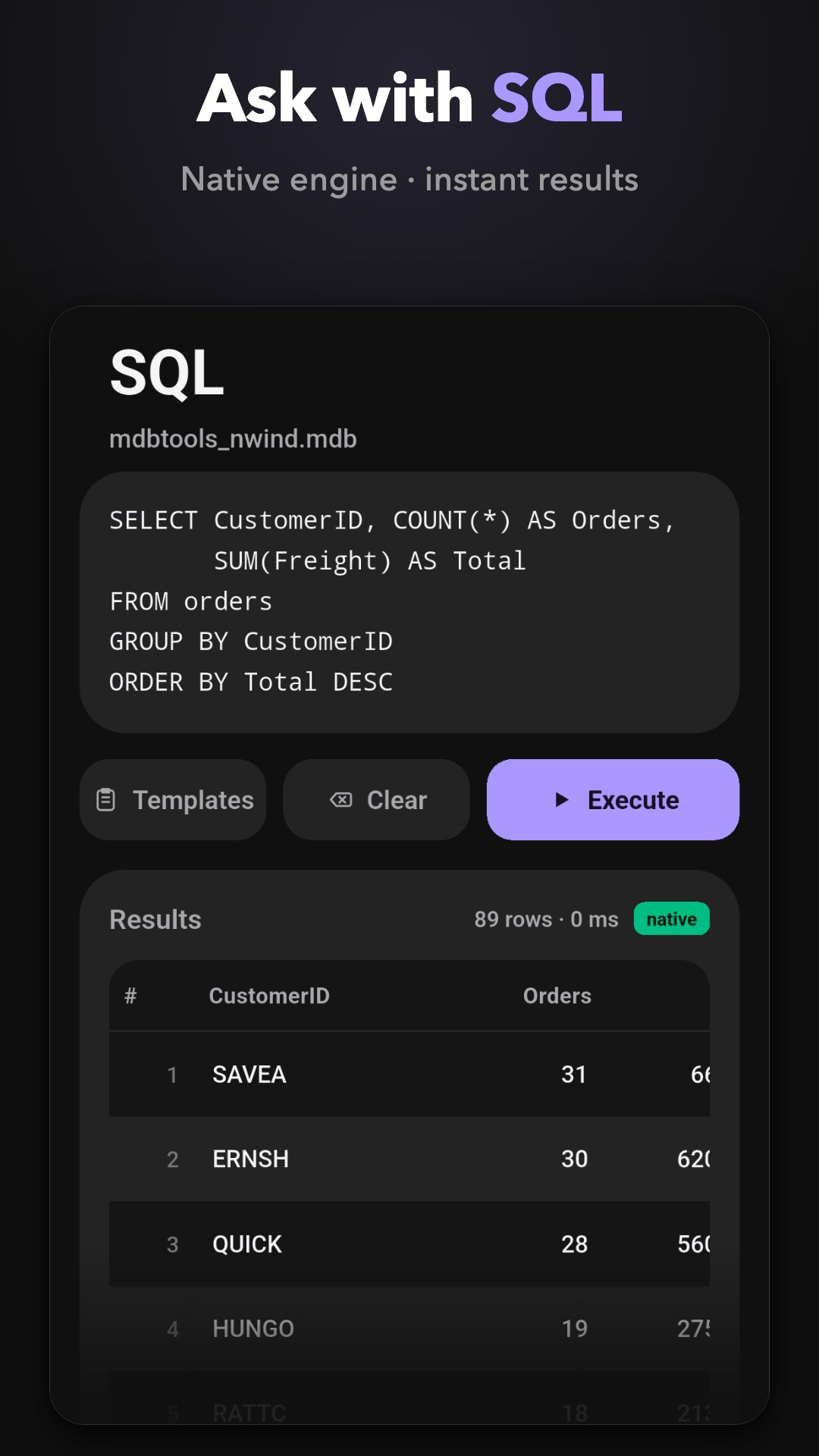
Run SQL natively — Jet queries on Access files, SQLite queries on SQLite databases.
Profile every column and chart the distribution — included free, in full.
Put two versions side by side and get a clear A/B difference report.
Save as CSV or XLSX, convert to SQLite, or keep the original format.
No file at hand? Open the built-in sample database and explore every feature in seconds.
Free to start — Pro is a one-time purchase.
Microsoft Access databases in MDB and ACCDB formats (Jet 3, Jet 4 and Access 2007+), SQLite databases, Excel XLSX and OpenDocument ODS spreadsheets, DBF (dBase III) files, CSV and TSV text data, and SQL dumps in the SQLite dialect — all in one app.
Yes. Free lets you open files in every supported format, read the health report, view the first screen of your data, and use the full analysis modules. Pro — a single one-time purchase — unlocks the rest: full browsing, editing, SQL queries, export, file diff and cross-table search. An optional monthly subscription is also available, priced as shown in the app.
No. Everything runs on your device: no account, no uploads, no ads, no tracking. Your original file is opened read-only, and edits happen on a private copy inside the app.
The engine is native C, built for big data: tables with millions of rows and files of 1.5 GB and more stay smooth on your phone.
Yes — editing is part of Pro. Edits are always made on a private copy inside the app; your original file is never modified.
With Pro you can export to CSV or XLSX, convert between formats including SQLite, or save the data back in its original format.
Yes. Database Viewer is available on the App Store for iPhone (iOS 17+) and on Google Play for Android (8.0+) — the same product on both platforms.
Your purchase is tied to the Google Account you bought it with. Install the app on the new device, sign in with the same account, and Pro is recognized automatically — you are never charged twice. If anything looks off, email w4n9we1@gmail.com.
Open the built-in health check first: it explains what the file really is, whether it is readable, which encoding it uses and where the damaged regions are, so you know what to do next. If you are still stuck, email w4n9we1@gmail.com.